 Written by
 Recruitment for Designathon 2026 is well and truly underway. We’re seeing sign-ups from teams in more institutions in more countries than previous years – it promises to be a bumper fourth edition.
These student teams around the globe are now getting ready for the test ahead.
Many are taking the opportunity to boost their skills ahead of the two-day event in July – accessing self-study resources, exploring Autodesk Fusion workflows, and attending preparatory training sessions. During the Designathon, they will be working against the clock – interpreting our brief, shaping their ideas, and translating them into a coherent response.
As a project team, we’re making sure everything is in place – for the two days of the Designathon challenge, for the preparatory training sessions, and for the in-person learning opportunity for the winning team. We’re working with our Autodesk Learning Partners – answering their questions, keeping track of their student and institution engagement efforts, reviewing data from their training sessions and sharing their updates. We’re keeping student teams updated, refining training content, briefing our expert jury, and creating our judging rubric. And so much more!
There’s a lot going on – it’s fast-paced, collaborative, and requires open and clear communication.
With this all as a backdrop, I thought it a good time to talk about what good looks like during the Designathon and how to prepare for success.
Prepare to win, prepare for the future
I’d imagine the teams preparing to take part in the forthcoming FIFA World Cup have been getting themselves match-fit – honing their ball skills, making sure their set-plays are well-oiled, and ensuring everyone knows the role they need to play.
For the Designathon, we swap balls for Autodesk Fusion – this is our platform of choice. But the learning we can take from the global football tournament, is that developing and honing skills is as important than the event itself.
Teams who get the most out of the Designathon, are already familiar with Autodesk Fusion – they know how it works, they’ve explored key workflows, and they can model and render in real-time.
They can build this familiarity and understanding in a number of ways:
- Review the training curriculum for the Designathon which is readily available on our Designathon page: https://knowledgepoint.com/autodesk/designathon-2026/.
- Work through the self-study resources we’ve collated which help the students to learn all about Autodesk Fusion, and the workflows they’ll use during the Designathon.
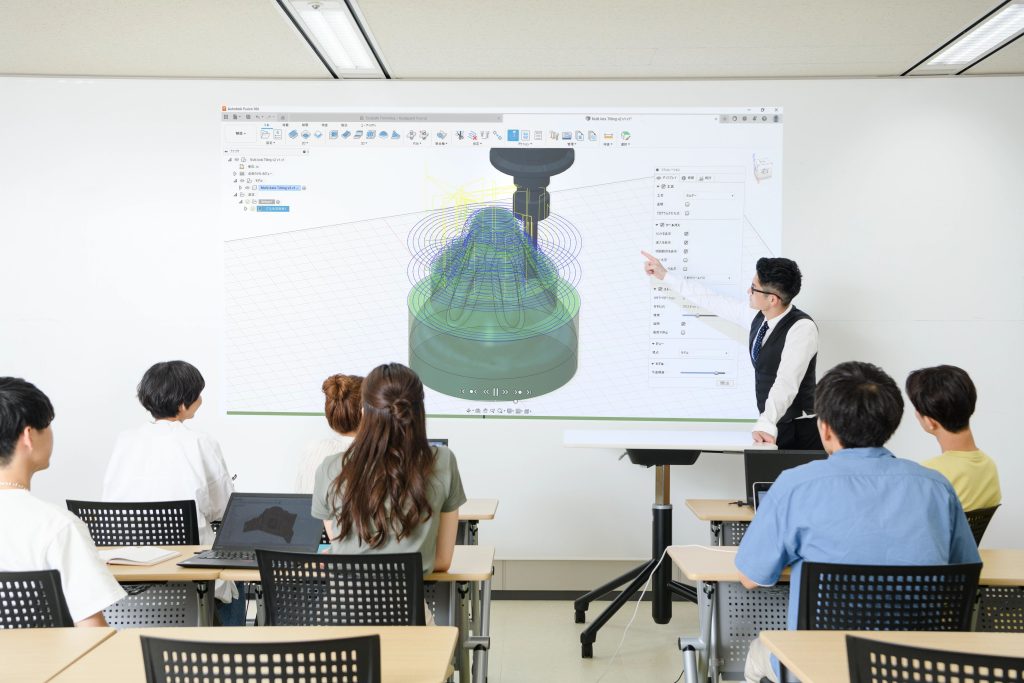
- Join one of preparatory online training sessions delivered by our student experts on 19 June or 3 July. These student experts provide insight into the Designathon, demonstrate key Fusion workflows and answer questions student teams might have.
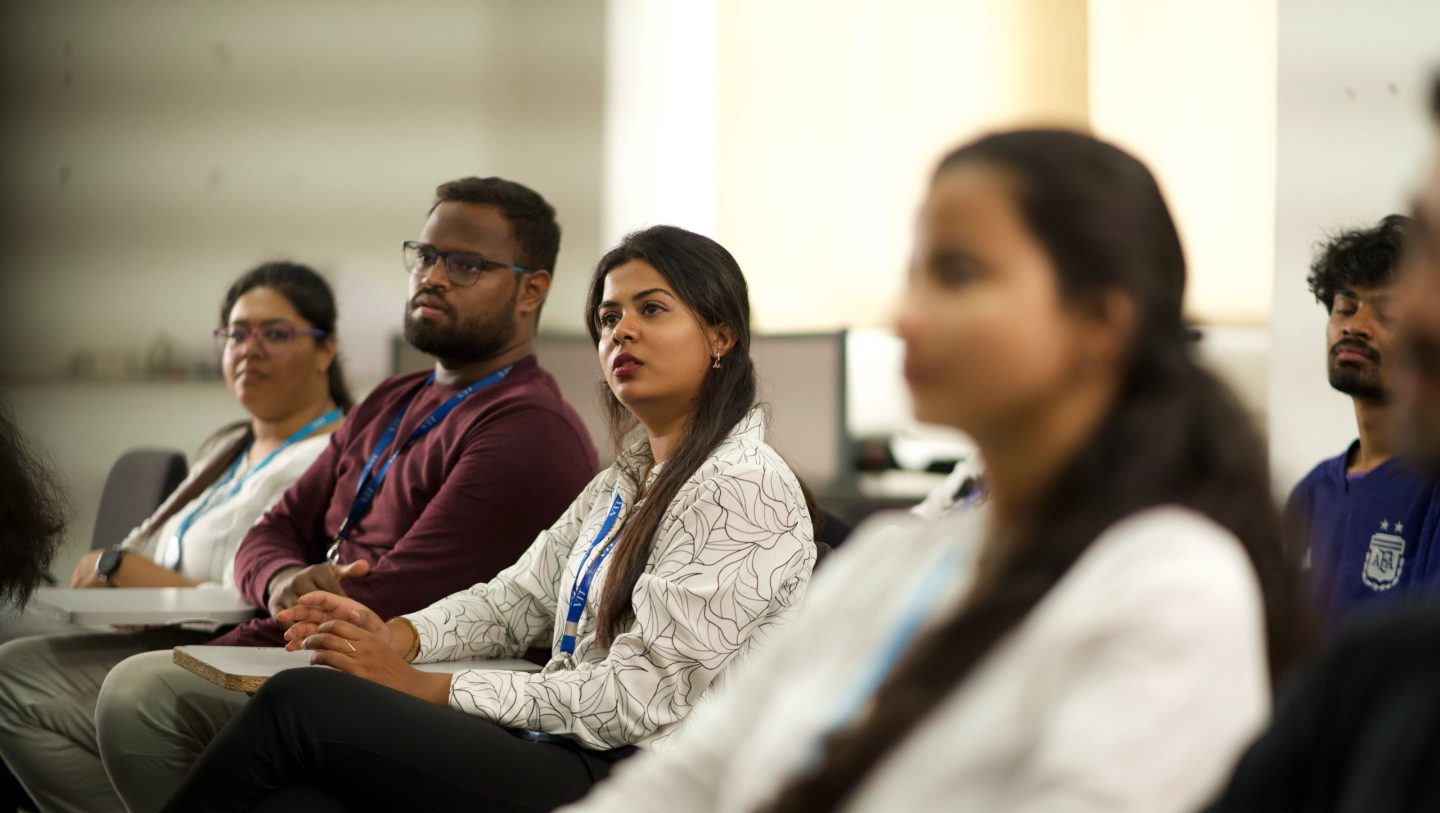
- Participate in an in-person training session organised by Autodesk Learning Partners in soe markets. They help students gain foundational skills in Autodesk Fusion and learn what to expect from such a student competition. There are some fantastic reports and photos coming out from these sessions.
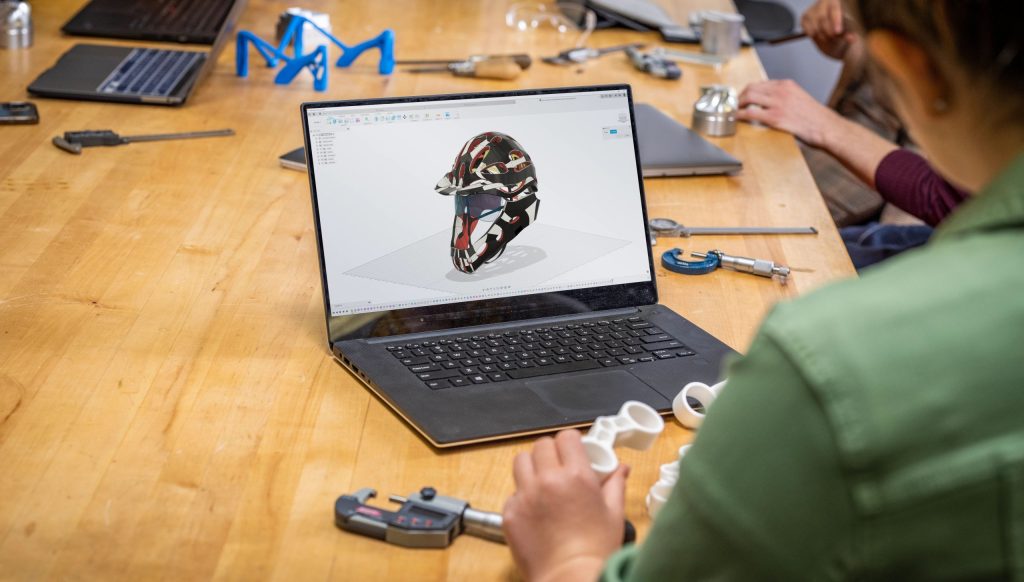
The Designathon combines learning and challenge. Day 1 (17 July) is dedicated to training and upskilling – day 2 is when the teams get their brief, and put their skills to the test!
From ambiguity to focus
When the brief is shared on Day 2 of the Designathon, teams are faced with a new problem. There isn’t a single “right answer”. Instead, we provide examples, a set of constraints, and the context – and we ask the teams to respond with something which is both creative and feasible.
What happens next tells us a lot about how teams think.
The strongest teams don’t rush immediately into ideation. They spend time interpreting the brief, aligning as a group, and deciding what matters most. They ask questions such as:
- What problems are we really trying to solve?
- Who is this for?
- What trade-offs are we willing to accept?
- Who is going to take on which role on the team?
This shift from receiving information to defining where and how to focus is the first step from learning to doing.
In many ways, it mirrors what happens in industry. Designers and engineers are rarely handed fully formed briefs. They have to navigate ambiguity, make decisions early, before committing to and iterating their approach.
Role clarity and collaboration under pressure

Another defining feature of successful teams, is that – who on the team does what and how the members work together. They discuss and agree this aspect early on – aspects such as:
- Who’s going to take the lead on concept development?
- Who is going to focus on modelling in Autodesk Fusion?
- Who is going to keep us to time?
- Who is going prepare our final submission?
Communication throughout is constant. Decisions are made, challenged, and revisited.
This closely resembles the way modern design teams operate. There’s a need for shared understanding, clear responsibilities, and continuous feedback. Teams must balance different perspectives, align on direction, and move forward together.
In the Designathon, collaboration isn’t a “nice to do”, it makes “dream teams” work!
From ideas to models: working at speed
Once teams set their foundations and are clear on where they want to focus, the pace can accelerate.
Ideas move from sketches and discussions into 3D models. Concepts are tested, adapted, and sometimes abandoned altogether. The focus is not on perfection, but on progress.
Working in Autodesk Fusion plays a critical role here. It allows the teams to move from concept to modelling and visualisation in a single environment, supporting iteration as ideas evolve.
What we consistently see is that teams who are comfortable with the tools are able to move faster into higher-level thinking. Instead of focusing on “how would we build this?”, they can concentrate on “how do we improve this?”
In a time-boxed environment, that matters.
Concepts can develop quickly and gain momentum – and teams are instead thinking about where they need to invest their time.
Characteristics of iteration and adjustment
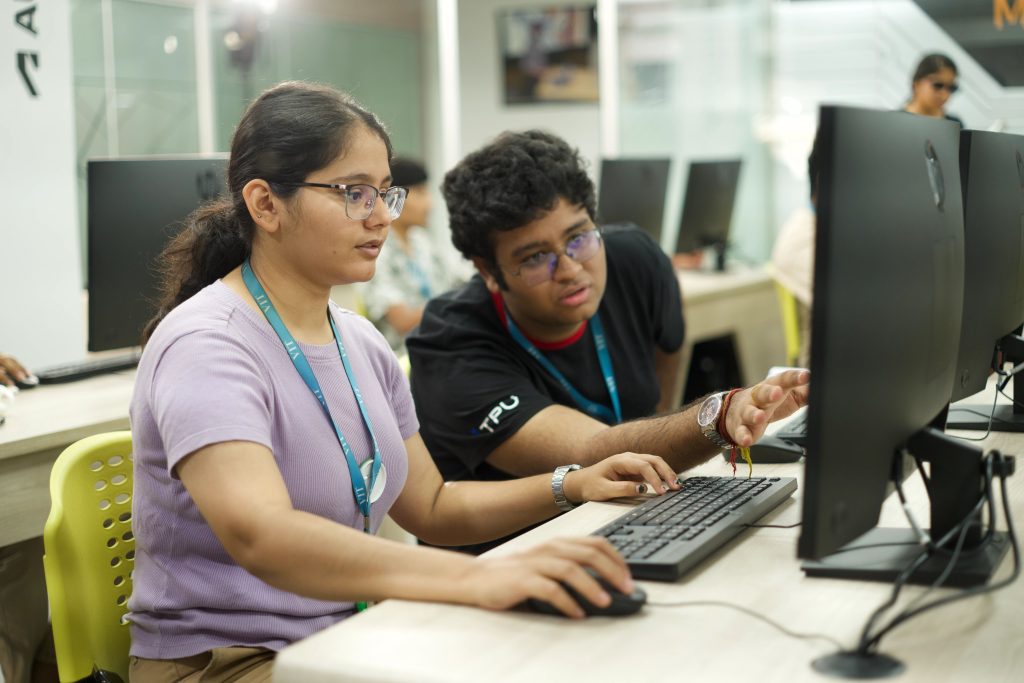
If you looked at the final submissions alone, you might assume the process was straightforward. In reality, it rarely is.
Often teams experience a “messy middle” – the point where they start to question themselves. This is when initial ideas are tested and don’t quite hold up. Concepts which felt strong at the start need refining or, in some cases, rethinking entirely.
This is where iteration becomes critical.
Teams which perform well are not necessarily the ones whose final idea is their first idea. They are the ones who are able to adapt quickly, improve their concepts, and make informed decisions under pressure.
They balance ambition with feasibility. They recognise when to push further, and also when to simplify. They display some consistent characteristics:
- Clarity of problem framing.
- Momentum in iteration.
- Effective collaboration.
- An ability to communicate their ideas clearly.
These are the same qualities that define strong performance in professional environments – in modern design practices.
A window into real-world capability
The Designathon is designed to reflect real-world conditions. Students are working with the same types of tools and workflows used in industry, moving from concept into modelling and visualisation within tight time constraints. They are also balancing multiple factors at once – technical feasibility, user requirements, and broader design considerations.
For a short period of time, they step into the role of designers and engineers.
There will be standout – winning – ideas, and we look forward to recognising those. But even before the winners are announced, one thing is already clear.
The Designathon isn’t just about what students produce at the end. It’s about how they approach the process – how they prepare, think, collaborate, and learn when it matters.
That’s what makes it such a valuable experience.
To sign up to Designathon 2026!
About the author
Furkan Günal is a partner acquisition executive at KnowledgePoint and Autodesk Expert Elite. He’s a member of the organising team for the annual Designathon, during which we benefit from his experience with and knowledge of Autodesk Fusion. Prior to joining KnowledgePoint, he was an Industrial Design Engineering student at Gazi University, gaining credentials in Design and 3D Modeling.